
Reels, TikToks & Shorts
Turn a video you like into one for your brand.
Share it from Instagram, TikTok, X or YouTube.
Get a video for your brand in about 20 minutes. Keep scrolling. We’ll notify you when it’s ready.
See a Reel, TikTok, Short or video on X that you’d like to make for your brand.
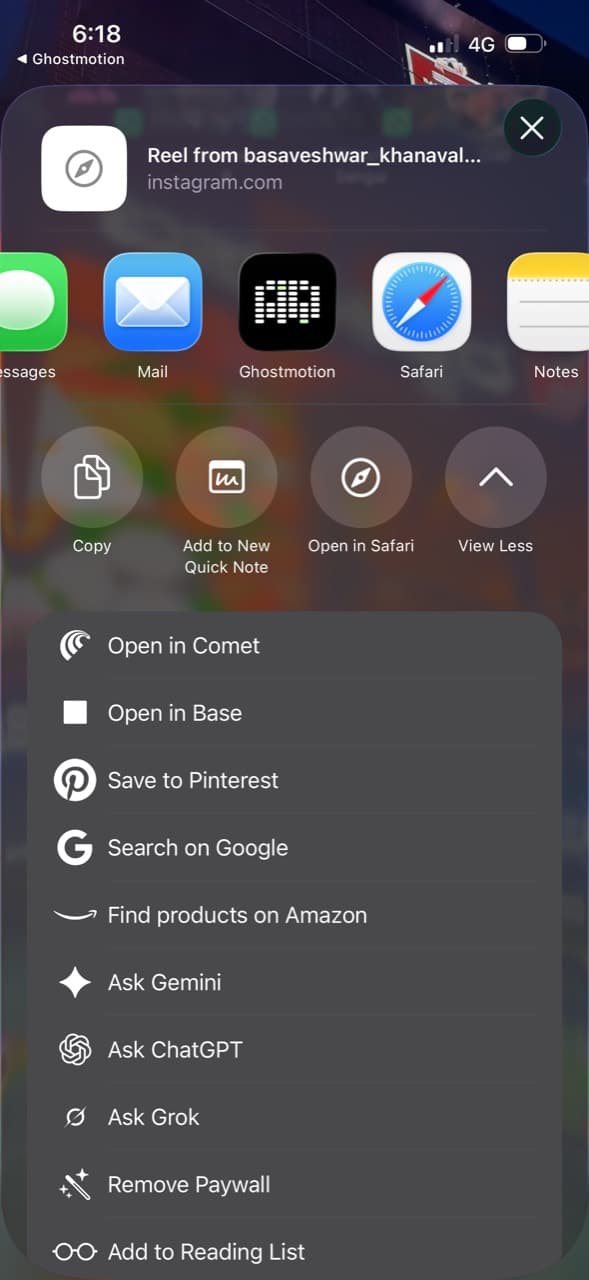
Tap Share, then choose Ghostmotion. Send it straight from the app you’re browsing.
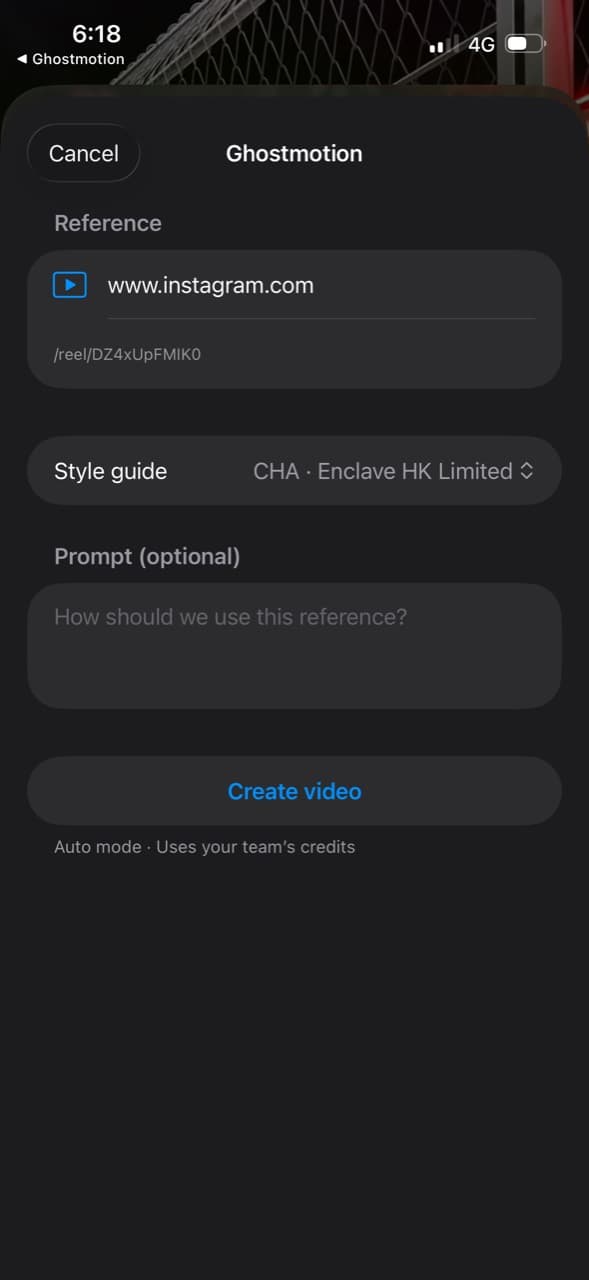
Pick your saved brand style guide. Add instructions if you want, then tap Create video.
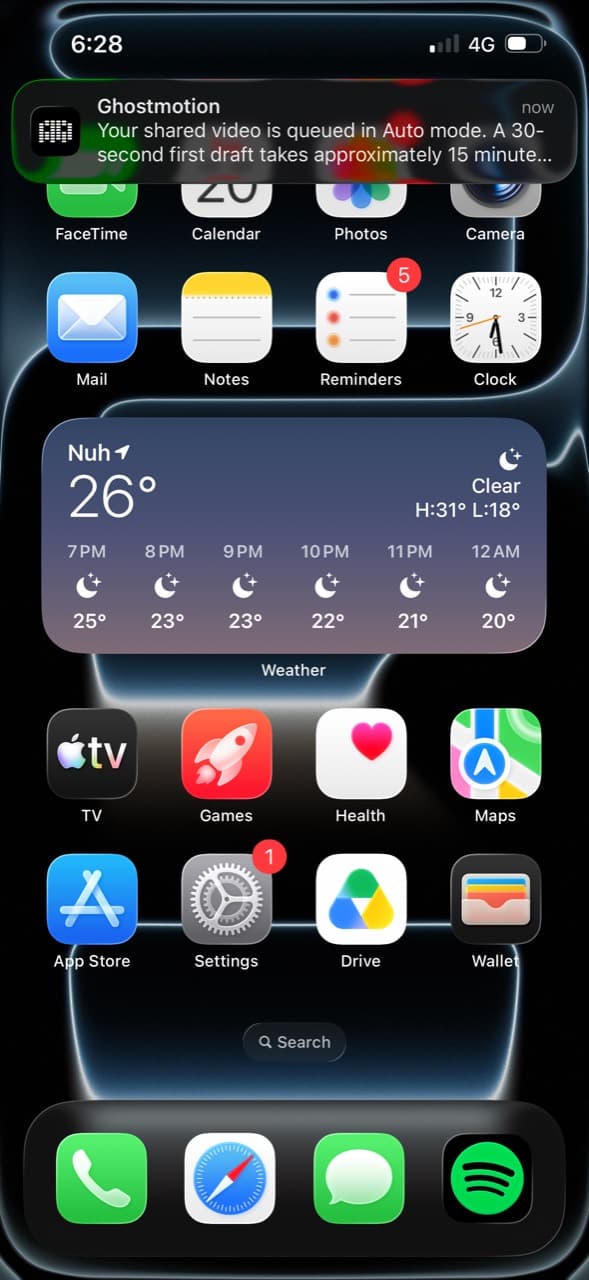
Ghostmotion makes your video in the background. Your first notification confirms it’s queued.
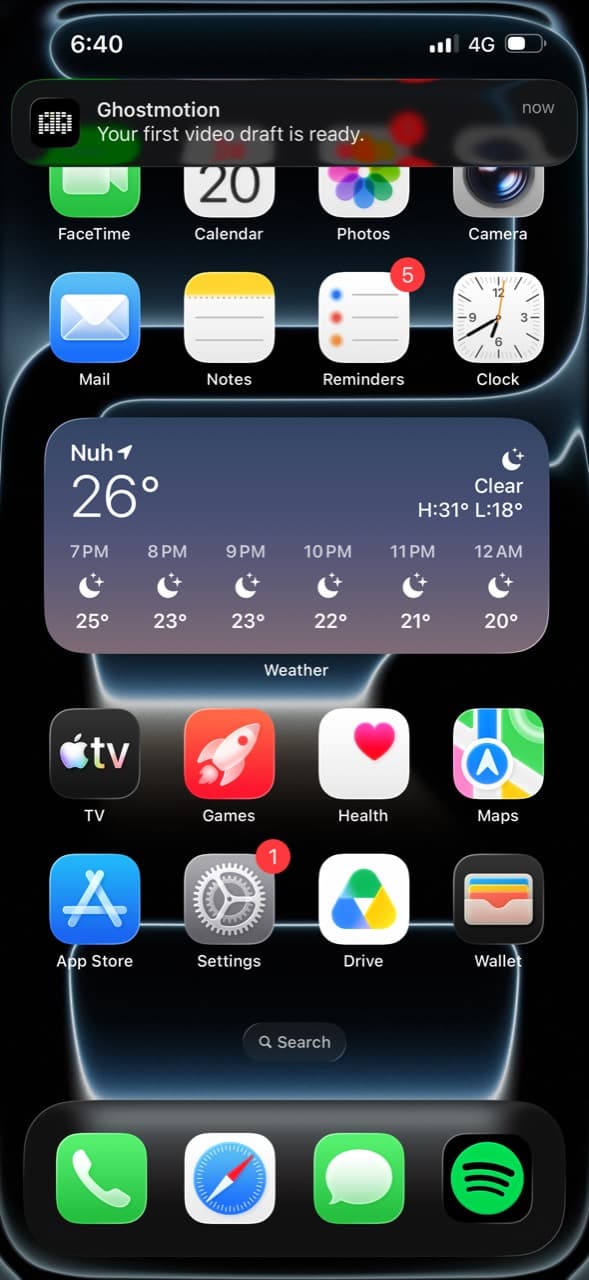
Tap the notification to open your video in Ghostmotion.
Watch your video. Ask for changes in chat or edit it manually, then publish it to your socials.
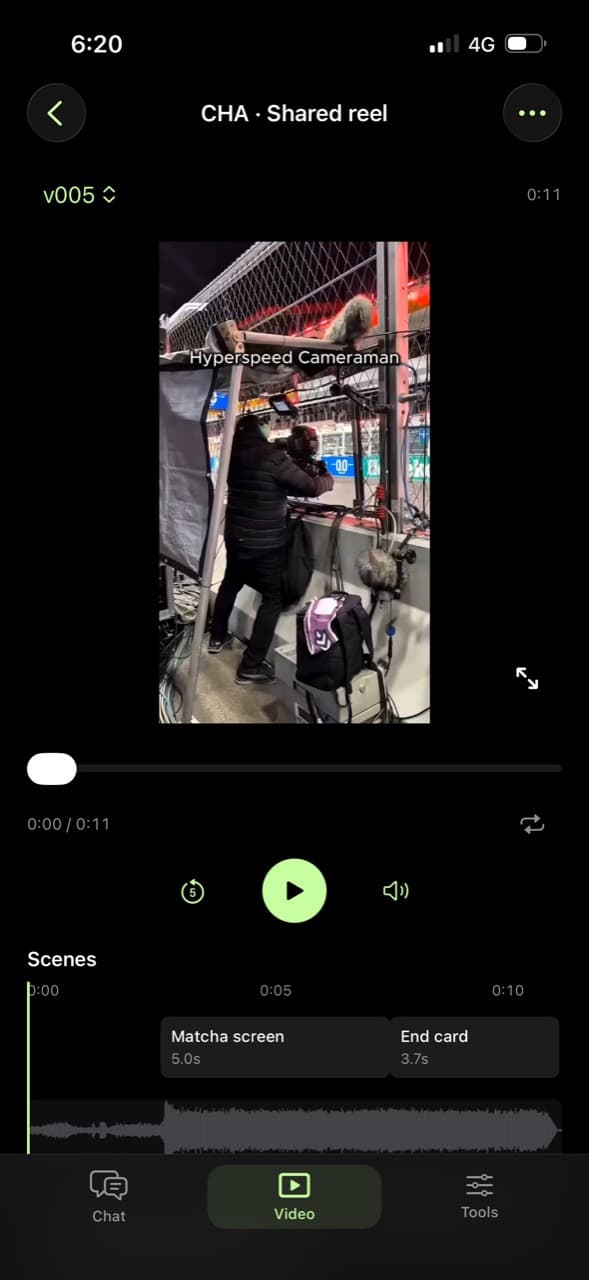
Ghostmotion turned the reference into a new video for a customer.
See what Ghostmotion made for a customer from one shared reference.
Made with GhostmotionEverything you use on the website, on your phone.
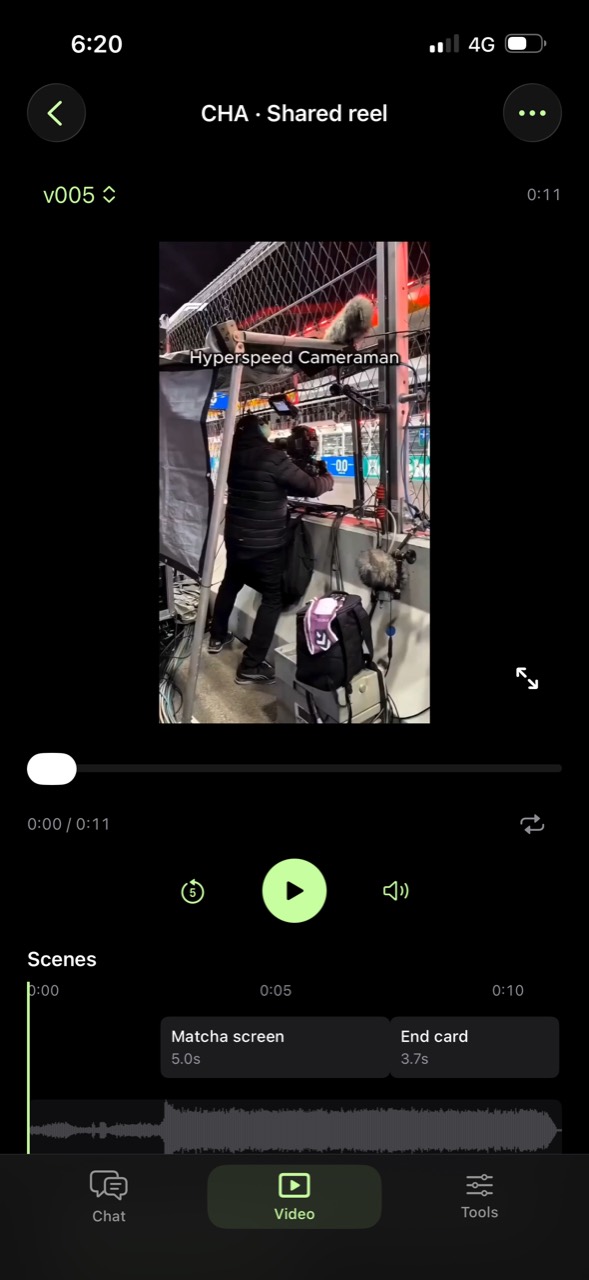
Describe what you want to make.
Ask for changes or make them yourself.
Paste a link to pick your soundtrack.
Sync the motion to your music.
Upload audio, video and more.
Make the video your brand needs.
Turn a video you like into one for your brand.
Start with a brief. Refine the result in chat.
Show what you’ve built with your own assets.
For plans and credits, see pricing.
Instagram, TikTok, YouTube and X. Share a public video Ghostmotion can open.
About 20 minutes. Complex videos and revisions can take longer.
Yes. Ask for changes in chat or use the manual editing controls.
Yes. Add music with a YouTube link, sync animations to the beat, and upload audio, video or other files.
Sign in, enable AI creation and save your brand style guide. Allow notifications so you know when the video is ready. Creation uses your team’s credits.
A new video for your brand. The reference guides the edit. Use assets and material you have permission to use.
We’ll make a version for your brand.
Keep scrolling. We’ll notify you when it’s ready.