How We Made the Auto Legends Game Trailer
The racing game could not be recorded in a browser, so we built its 33-second trailer from site context and available gameplay footage.
From brief to final cut.
Name the footage constraint in the brief
We asked for an energetic game trailer and linked Auto Legends' site and X account for context. The game itself could not be captured through the browser tool, so the prompt pointed Ghostmotion toward gameplay footage on the game's site instead of asking it to invent game screens.
Use the site capture for context
We recorded a quick scroll of the homepage. Its background videos did not play in the recorder, so we explicitly reported that limitation and suggested the game's own site or channel as the source of footage. The website still provided useful cues for the logo, type, and story.
Cut to the music, then protect readability
We added “Tokyo Drift” from its beginning. The first version's fast car montage and music sync had the energy we wanted. Our review therefore asked Ghostmotion to preserve that montage while resolving text that collided with footage, blended into the background, or passed too quickly to read.
Polish the transitions
The same review called out rough-looking cuts and an opening line that needed work. These are small defects individually, but in a short trailer they can make the whole edit feel unfinished. We described the issues plainly and let Ghostmotion rework the transitions.
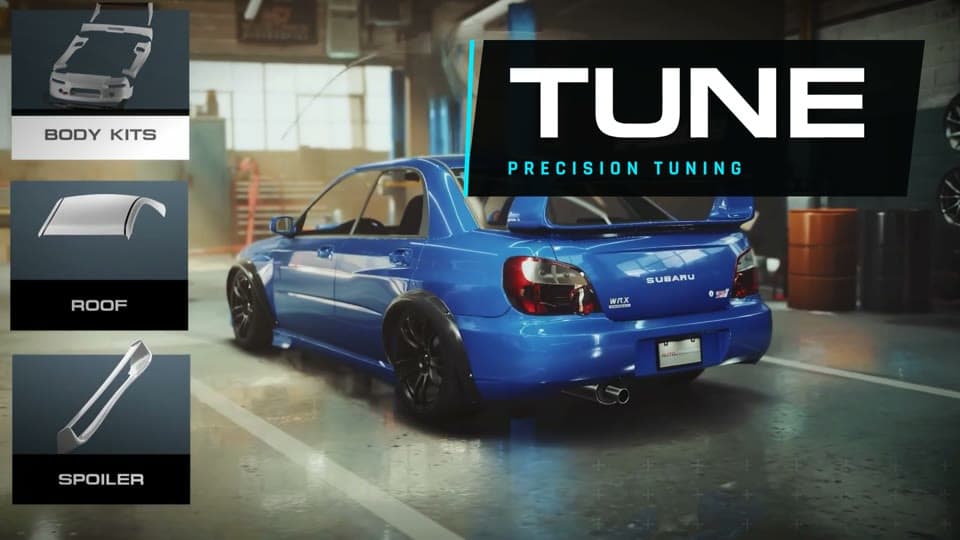
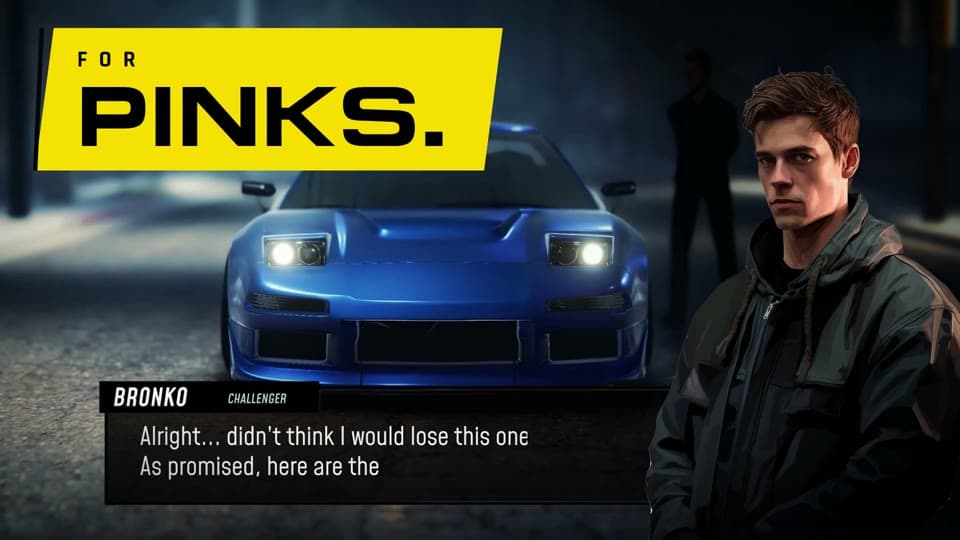
Three frames. One story.

Make the next cut better.
- Tell Ghostmotion when your product cannot be captured in a browser and supply footage you own or can use.
- Name the sequence worth keeping before requesting a polish pass.
- Check text contrast and reading time over moving gameplay, especially during fast montages.